Personal discovery
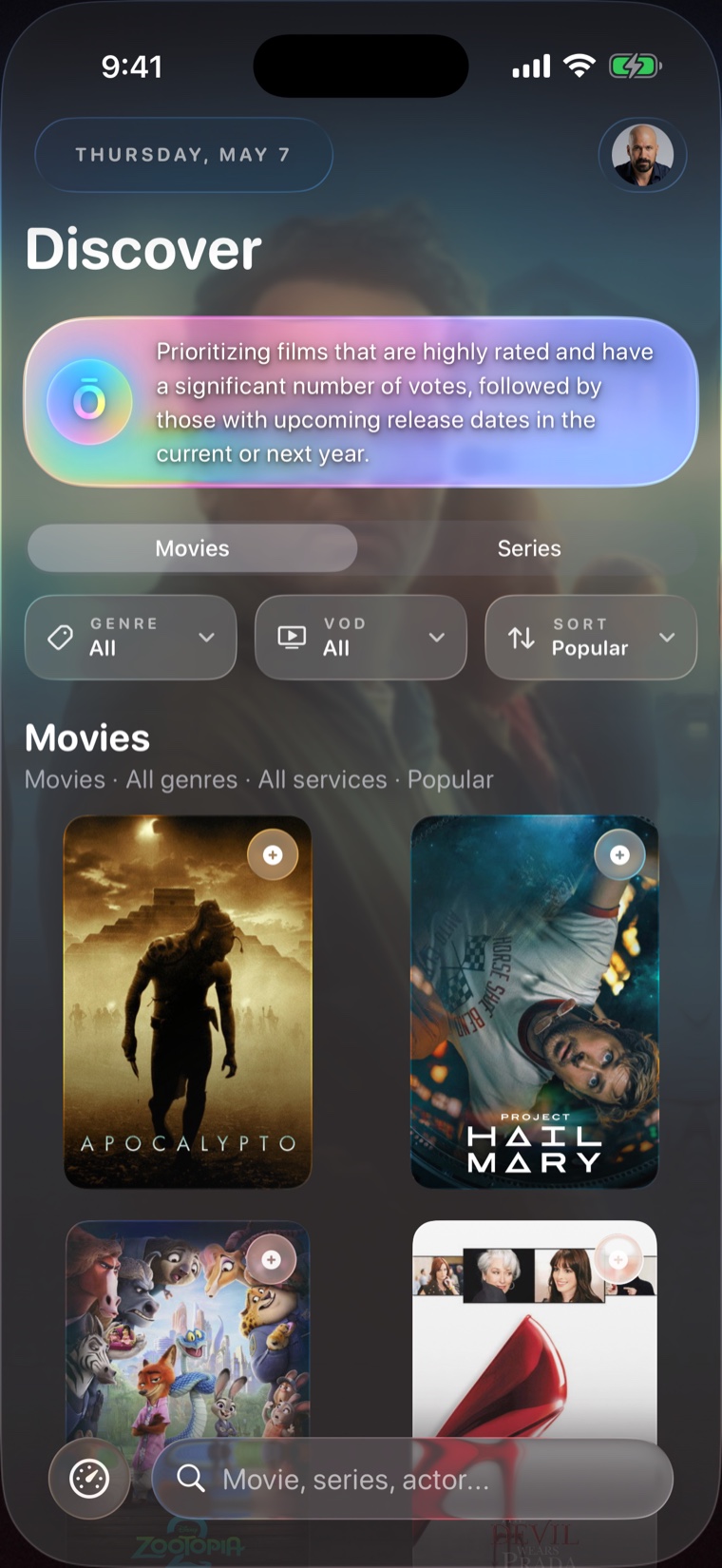
Ōree uses AI to shape recommendations around your library, mood, timing, and viewing patterns, with graceful fallbacks to public metadata when AI is unavailable.
 Ōree
Ōree
Ōree
Ōree
AI-powered personal media companion
Ōree brings your movies and shows into a premium iPhone experience, with intelligent discovery, rich media pages, upcoming releases, resume context, and playback through your own compatible sources.
Coming soon to the App Store.
The product idea
Browse public movie and TV metadata even before a private server is connected.
Open personal-library context when your compatible source is available.
Keep playback tied to content you own or can access through your own configuration.
Core experience
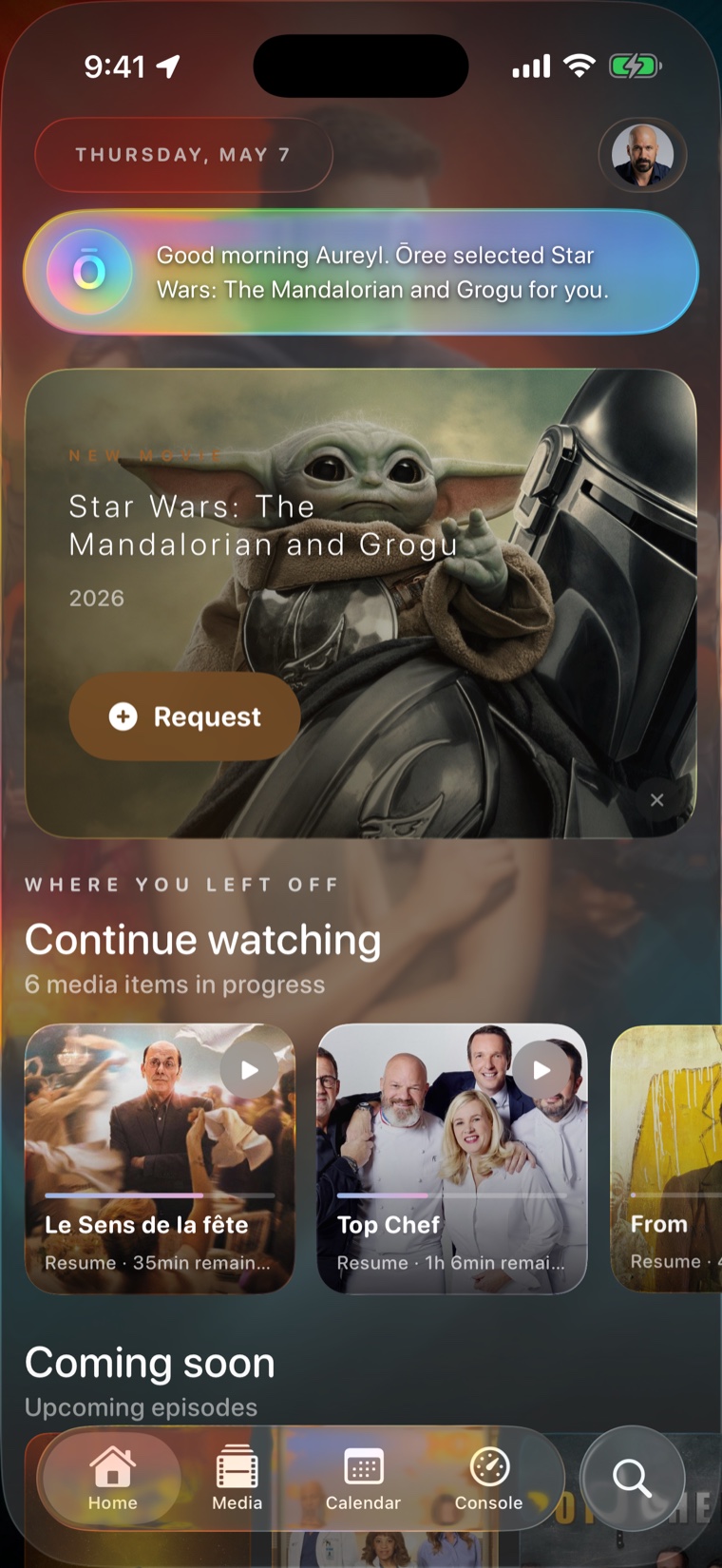
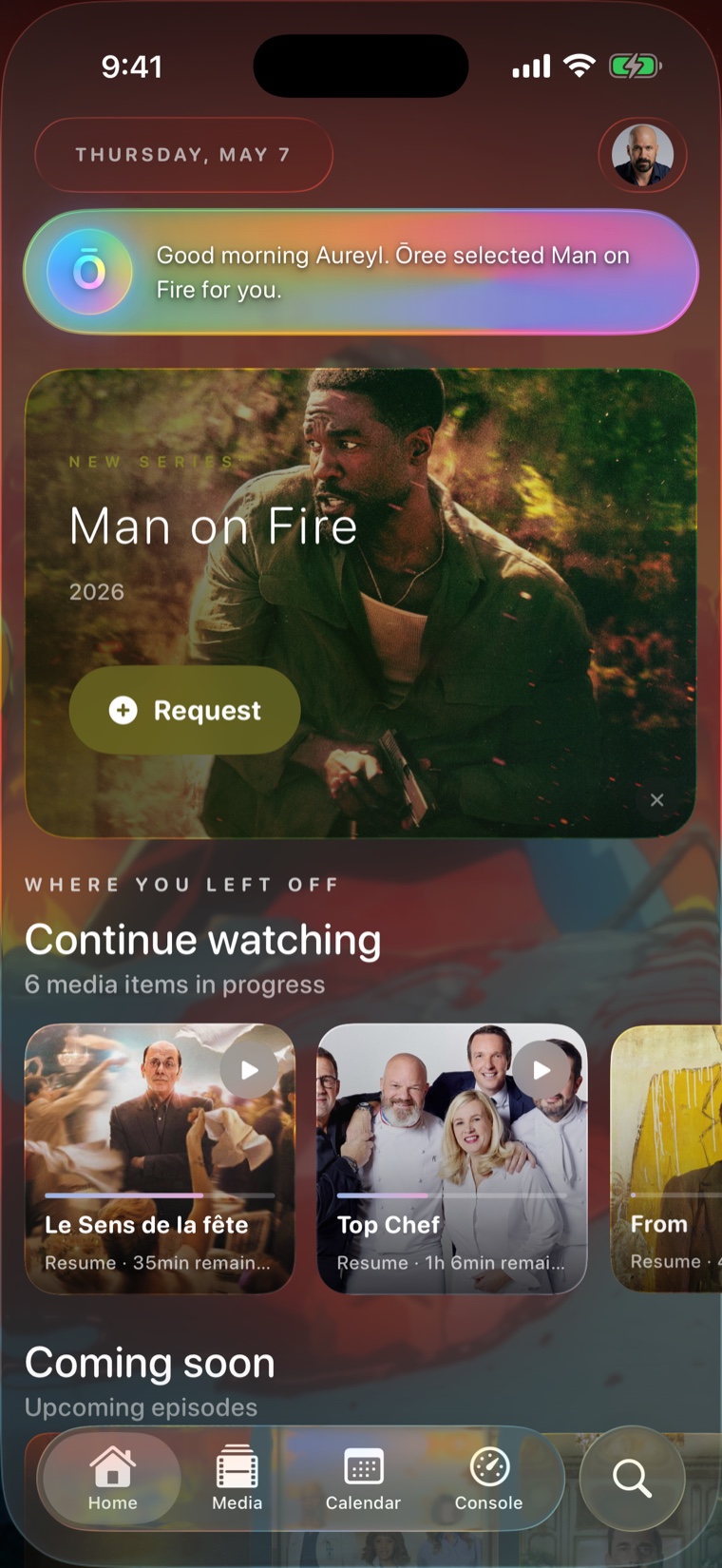
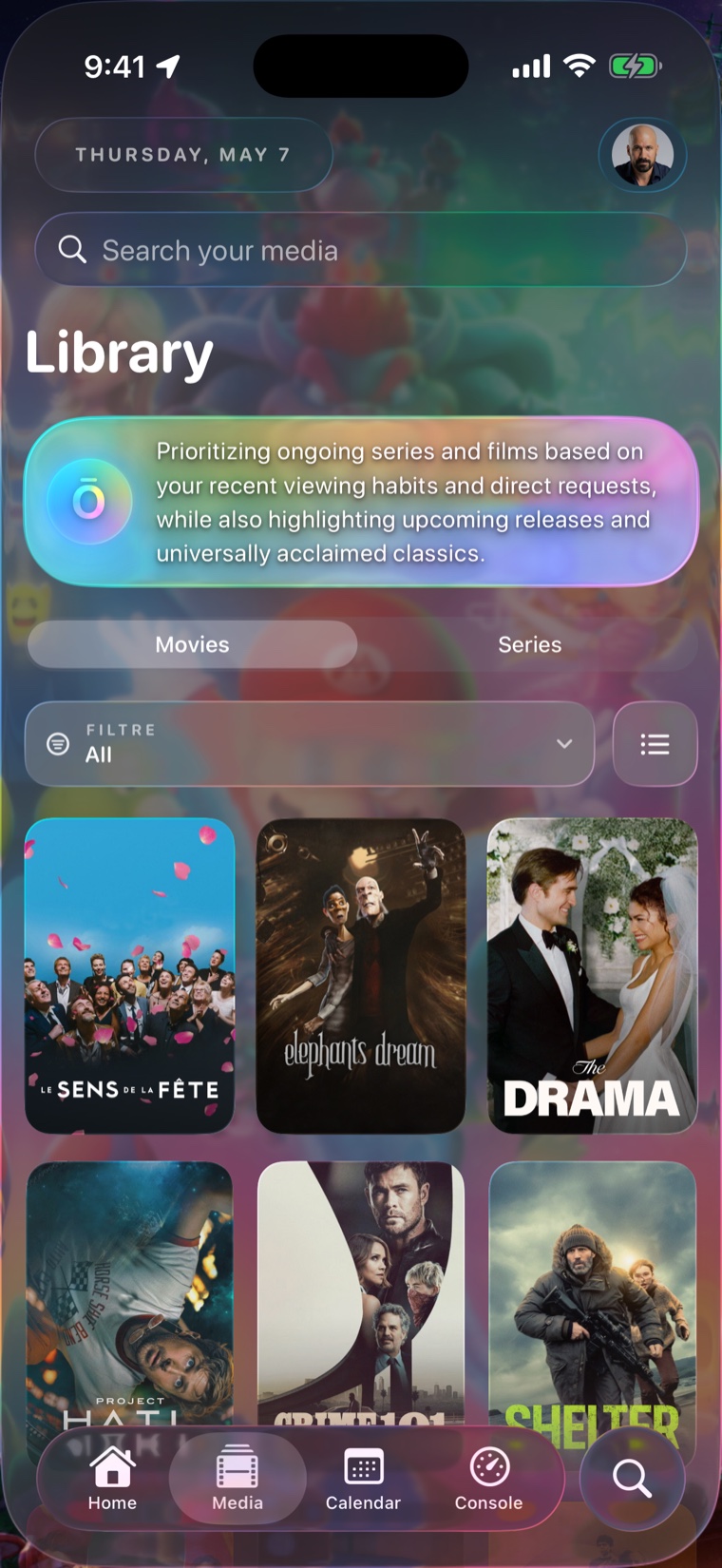
Ōree uses AI to shape recommendations around your library, mood, timing, and viewing patterns, with graceful fallbacks to public metadata when AI is unavailable.
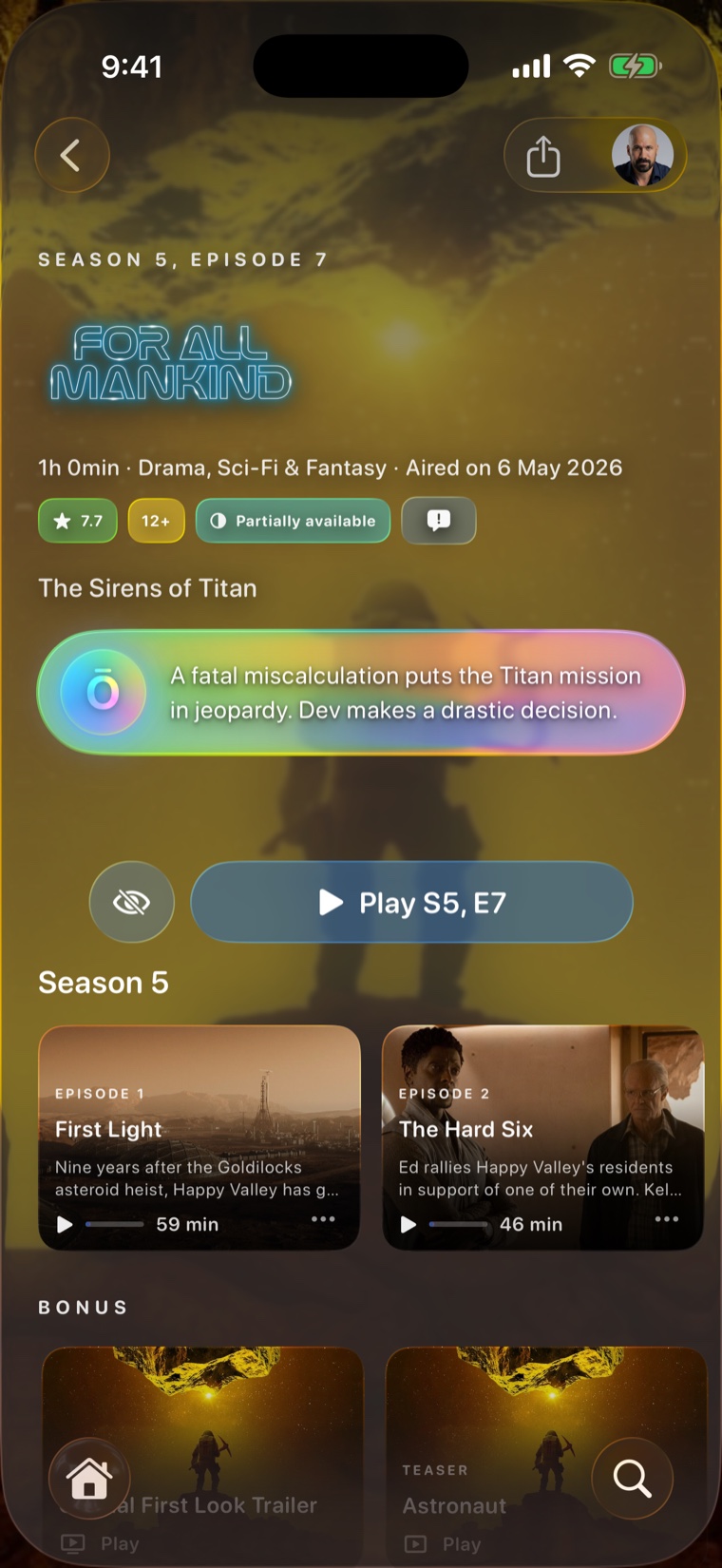
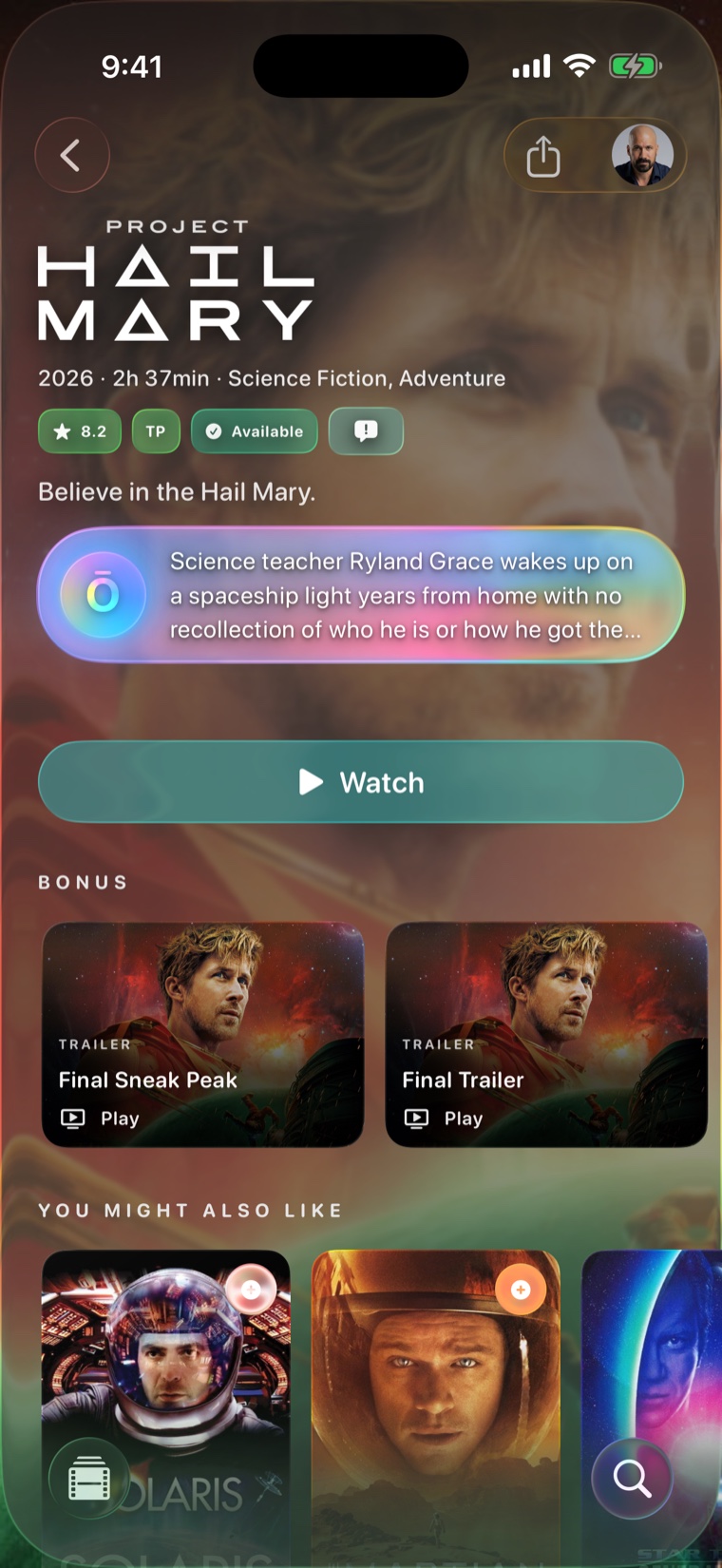
Rich posters, textless backdrops, cast, trailers, seasons, genres, summaries, availability, and contextual AI cards are brought together in one polished view.
Resume what matters, surface dormant series, highlight timely picks, and keep your media journey centered on the next good watch.
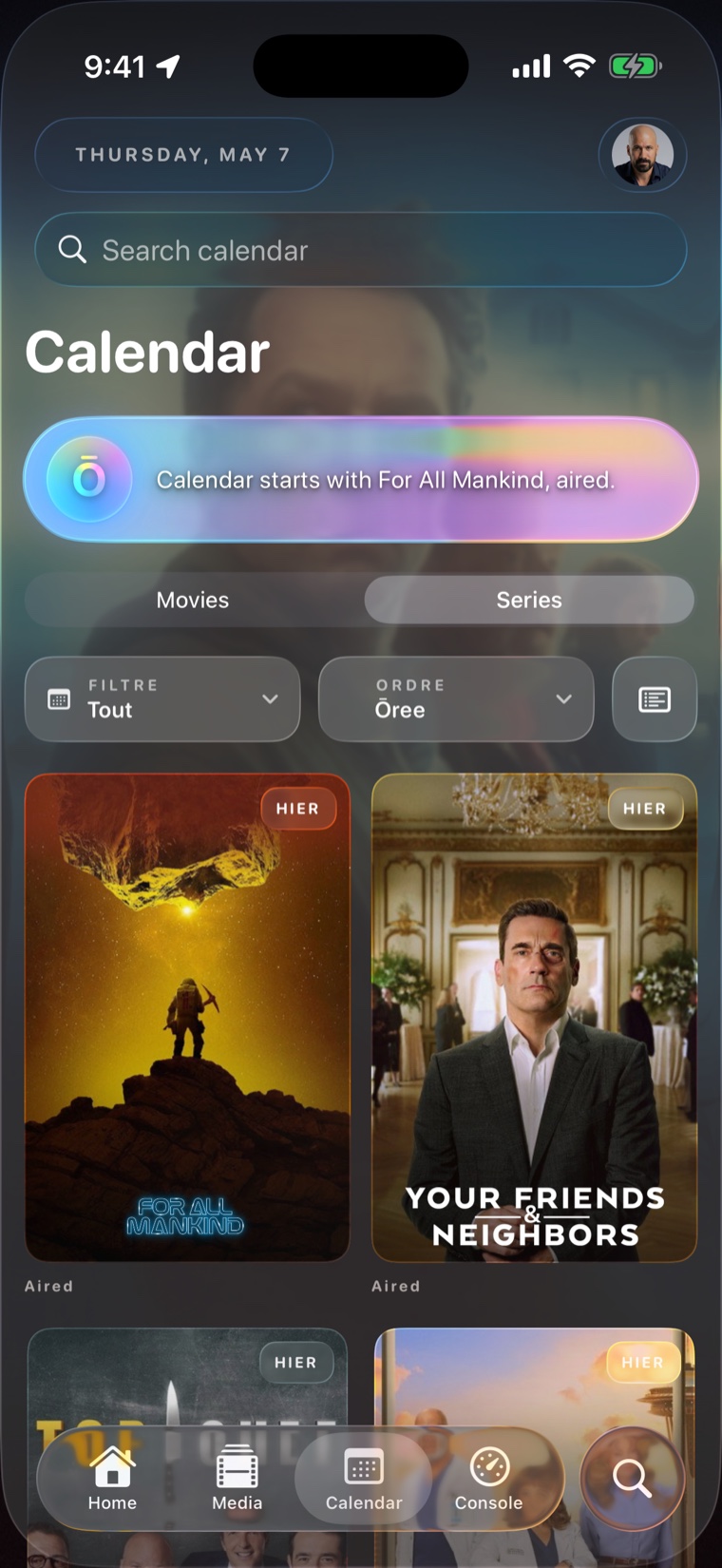
Calendar-style discovery follows public release data and your library context so you can see what is arriving next without digging through separate apps.
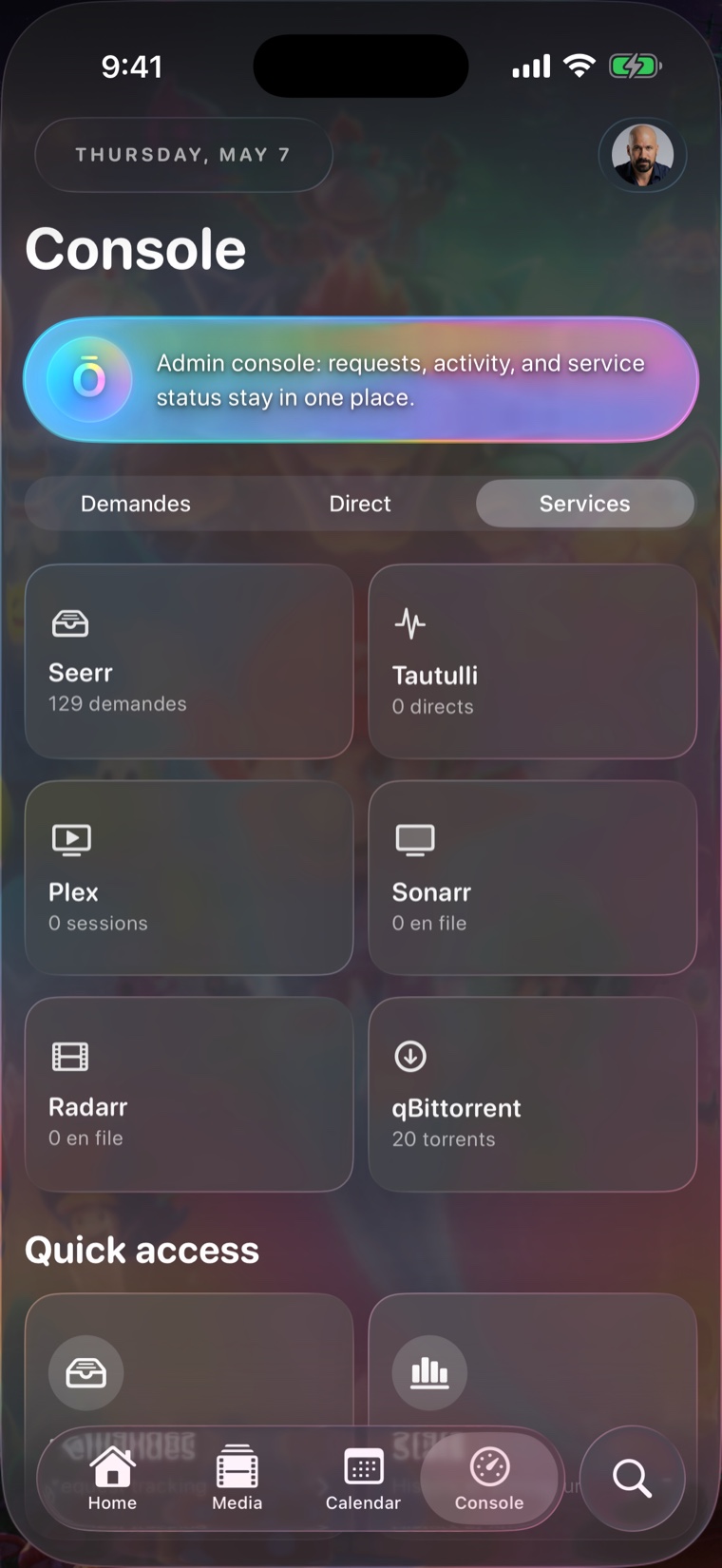
When a compatible request service is configured, Ōree can show request status, approvals, availability, and media details without making the whole app depend on that service.
Continue watching, technical stream context, watched state, and source availability stay close to the main action instead of being hidden in server dashboards.
Real app surfaces
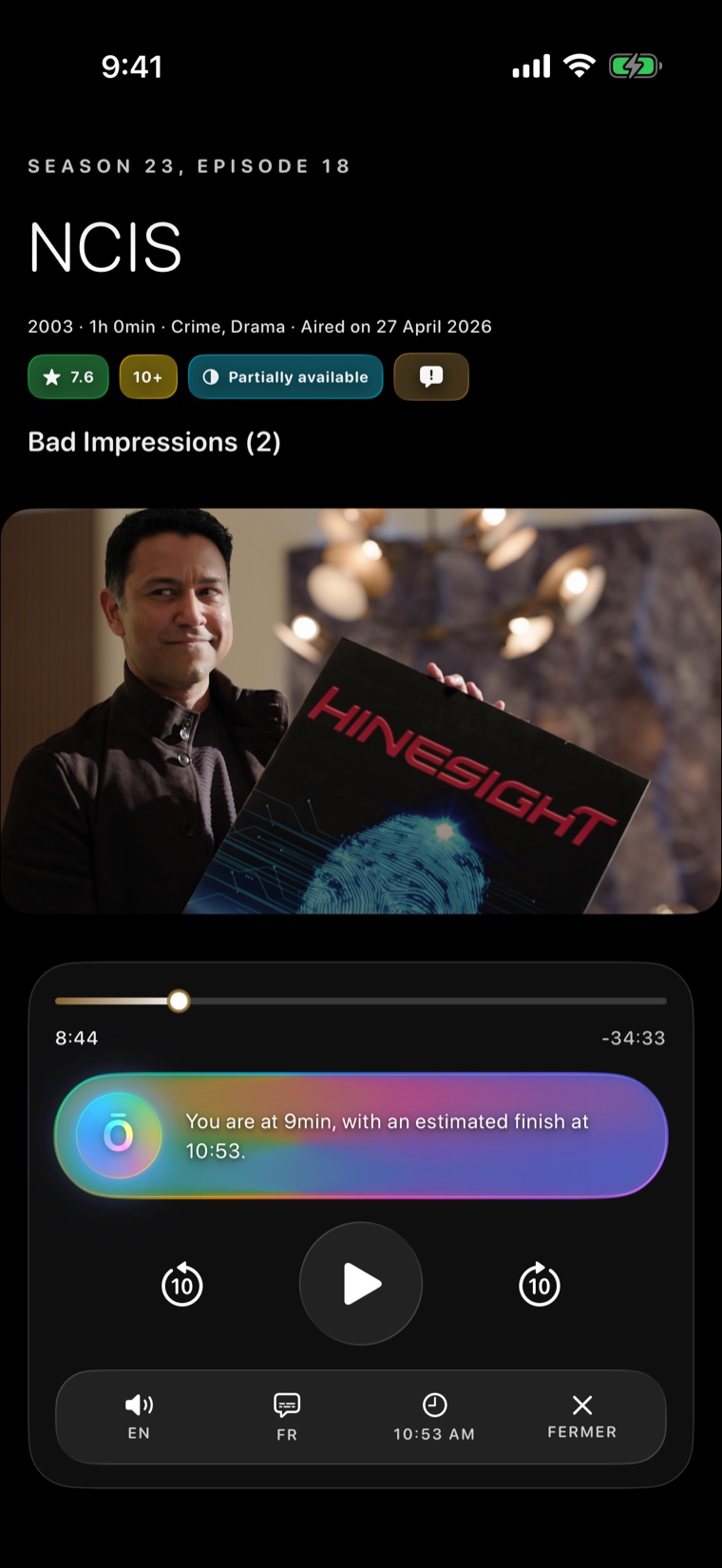
Advanced, still Apple-standard
Clear boundaries
Ōree is a companion interface. It does not provide a public streaming subscription, sell movies, host TV shows, or distribute copyrighted media.
The app connects to compatible sources you configure and enriches the experience with public metadata, AI-powered organization, and native iOS presentation.
Support
Ōree is designed for your own compatible media sources. If something does not work, check that your source is reachable from your device, your credentials are correct, and your network connection is stable.
Make sure your compatible source is available, allows remote access when needed, and uses the credentials configured in Ōree.
If playback does not start, verify that the media file is available from your own source and that the server can stream it to the device.
Optional permissions such as Location, Notifications, Health, and iCloud can be managed at any time in Apple Settings.
For support requests, use the contact link. Include your device model, iOS version, and a short description of the issue.
Trust
Ōree uses the information needed to run the app: connected services, playback context, preferences, and media metadata. Your data is not sold and is not used for advertising tracking.
For privacy requests, use the contact link.